
The main screen
Everything You Need for a Set
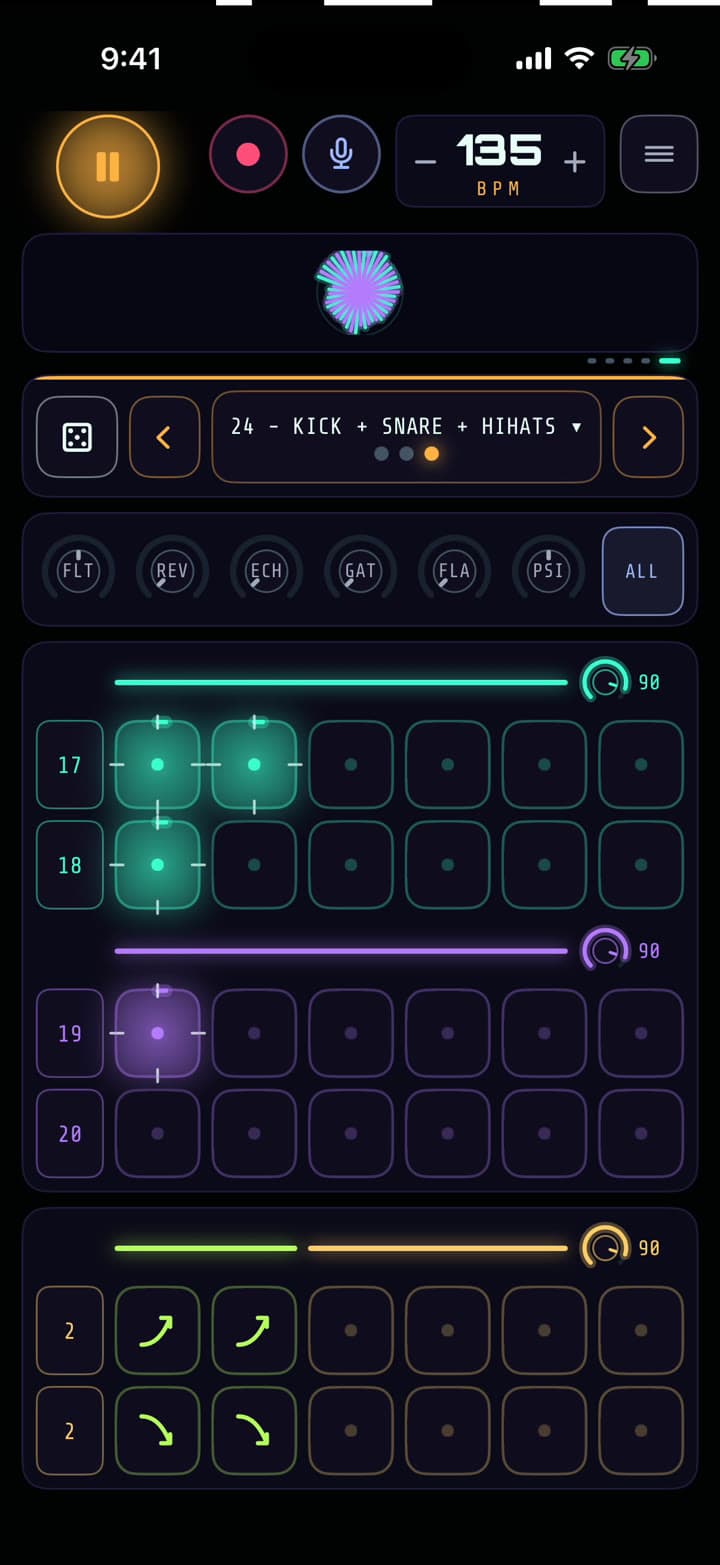
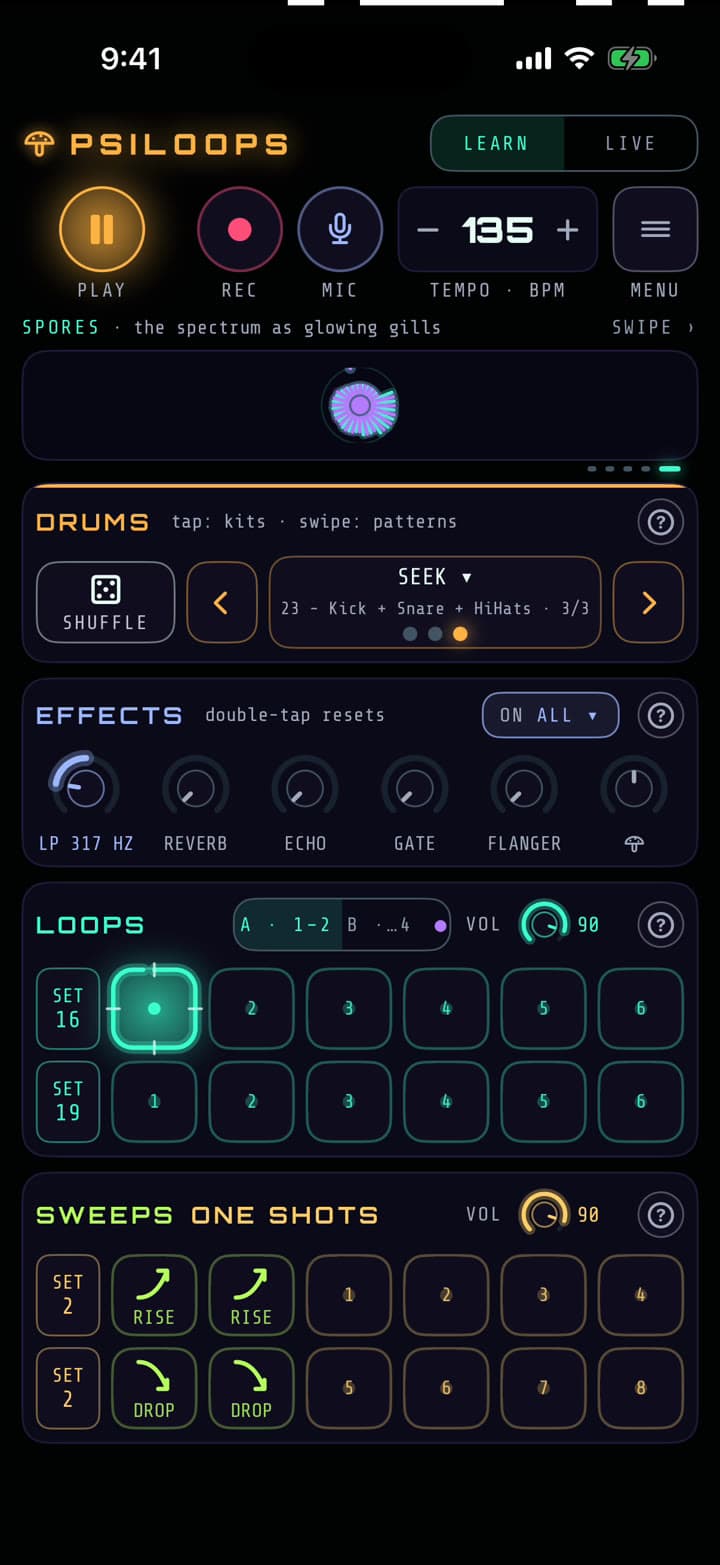
PsiLoops is laid out like a groovebox: drums up top, loops in the middle, sweeps and hits below, effects in reach of your thumb. Here's what every part does.
Drums & loops
Build It Up, Strip It Back
Pick a drum kit and step it up with the arrows: kick alone, then the snare, then the full beat. Or step past the end to drop the drums out for a breakdown.
Over the top sit four rows of melody loops in two banks, A and B. Tap a pad to bring a loop in and tap it again to take it out. Swap a row's whole set with its SET button, and balance each bank with its own volume knob.
Changes wait for the next bar, so the music never stumbles. If you'd rather play freely, turn quantize off in Settings.
Effects
Six Knobs, Zero Menus
The effects row is always on screen. Drag a knob to bring an effect in, and double-tap it to snap it back to off. The ON button picks what the effects play on: everything, just the drums, or one loop bank.
- Filter
- Two-way. Turn left to muffle the mix, right to thin it out. The classic build and breakdown move.
- Reverb
- Throws the sound into a big room. Great on a loop you're about to pull out.
- Echo
- Dub-style repeats, locked to the tempo at any BPM.
- Gate
- Chops the sound in time with the beat for stuttering, rhythmic cuts.
- Flanger
- A jet-plane whoosh sweeping through everything.
- Mushroom
- PsiLoops' own effect, and it works both ways: right wobbles the sound down, left sends it rising up.
Tempo & timing
Always on the Beat
Set the tempo anywhere from 50 to 200 BPM. Drag the tempo box, or tap minus and plus for single steps. Around 90 for hip-hop, 140 for dubstep, and 170 to 175 for drum & bass.
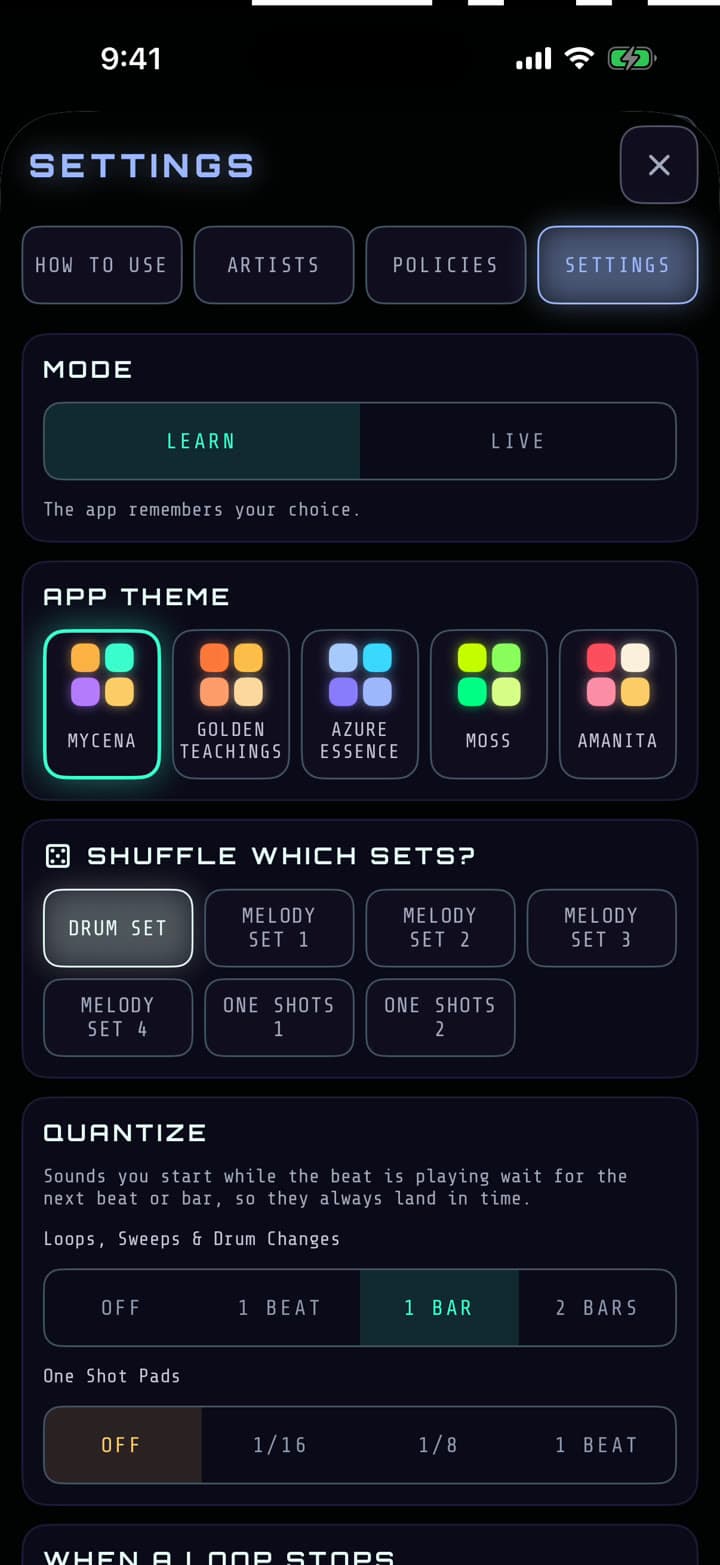
- Quantize: loops, sweeps and drum changes land on the next beat, bar or two bars. One-shots can snap to a 1/16, a 1/8 or a beat.
- When a loop stops: cut it dead, fade it out, let it ring into reverb, or both.
- Learn or Live:labels and tips while you're learning, a clean stage view when you're not.
Visualizers
See the Music Move
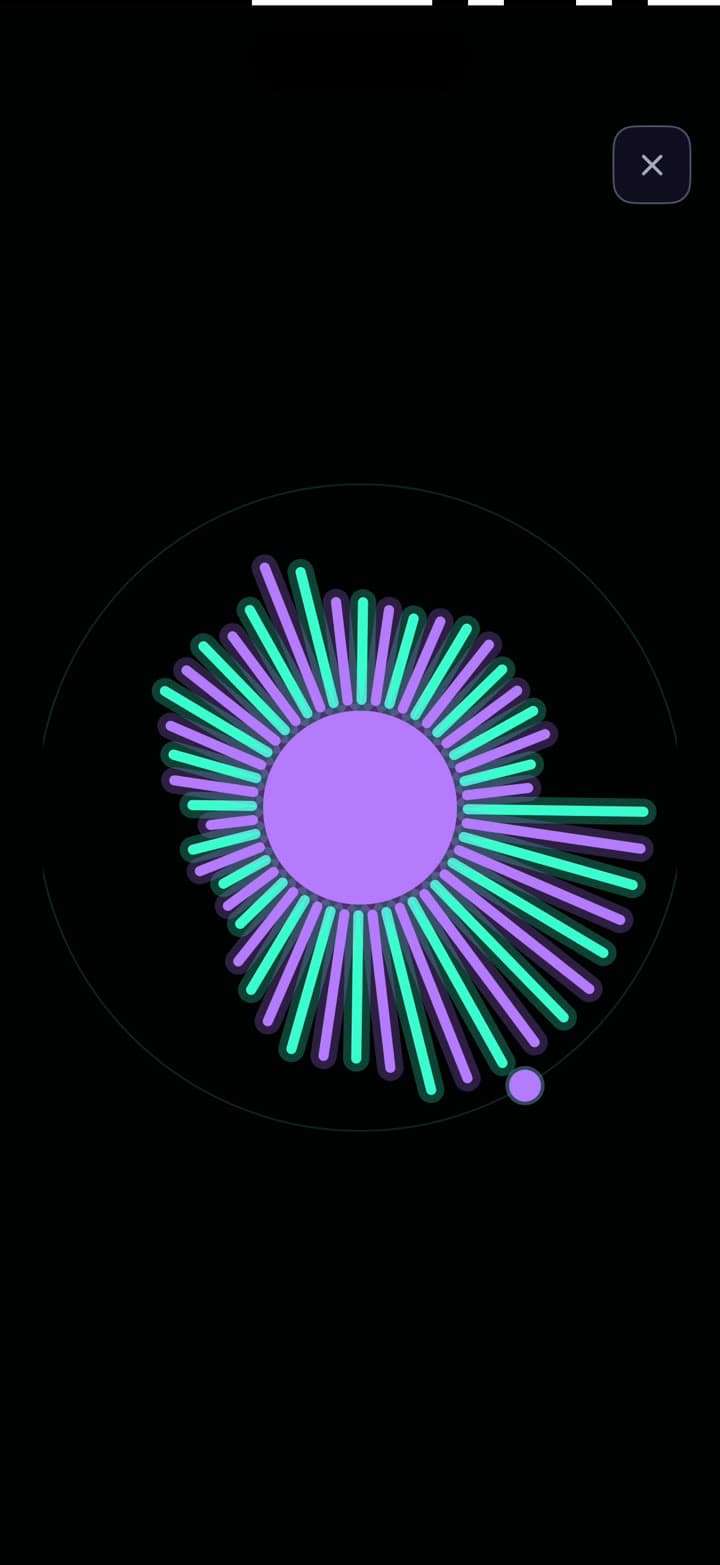
Swipe the strip at the top of the screen to change the visualizer, and tap it to go full screen. They're useful too, not just pretty.
- Phrase shows your place in the 8 bars, so you know when the next change will land.
- Spectrum shows bass, mids and highs, and where the filter is cutting.
- Levels shows how loud you are, and warns you before you clip.
- RGB Wave and Spores are for the crowd, or the camera.
And the rest
Little Things, Big Moments
Rise & Drop
Risers and downlifters for transitions. Fire a Rise four bars before the drop and it peaks right as the beat hits.
One-Shots
A grid of hits and FX that play the moment you tap them, for fills and accents between the loops.
The Dice
Out of ideas? One tap deals new sets. In Settings you choose what it shuffles: the drum kit, any loop row, or the one-shots.
Record & Share
Rec captures everything you play, plus your voice if the mic is on. Find your takes under Recordings and share them from there.
Five Themes
Mycena, Golden Teachings, Azure Essence, Moss and Amanita. Five glowing palettes to match your mood or your stage lights.
No Ads. Ever.
Free or Pro, nothing ever interrupts a set. No banners, no video ads, no account to make.
See it in motion in the how-to videos. Want to play your own sounds? See what Loop Lab can do →
Start Mixing
Free on iPhone and iPad. No account, no ads, nothing to set up. Press play and you're making music.
Download on the App Store